Melvor Idle 2 Offline Progress Planner
Make every offline hour safe and intentional.
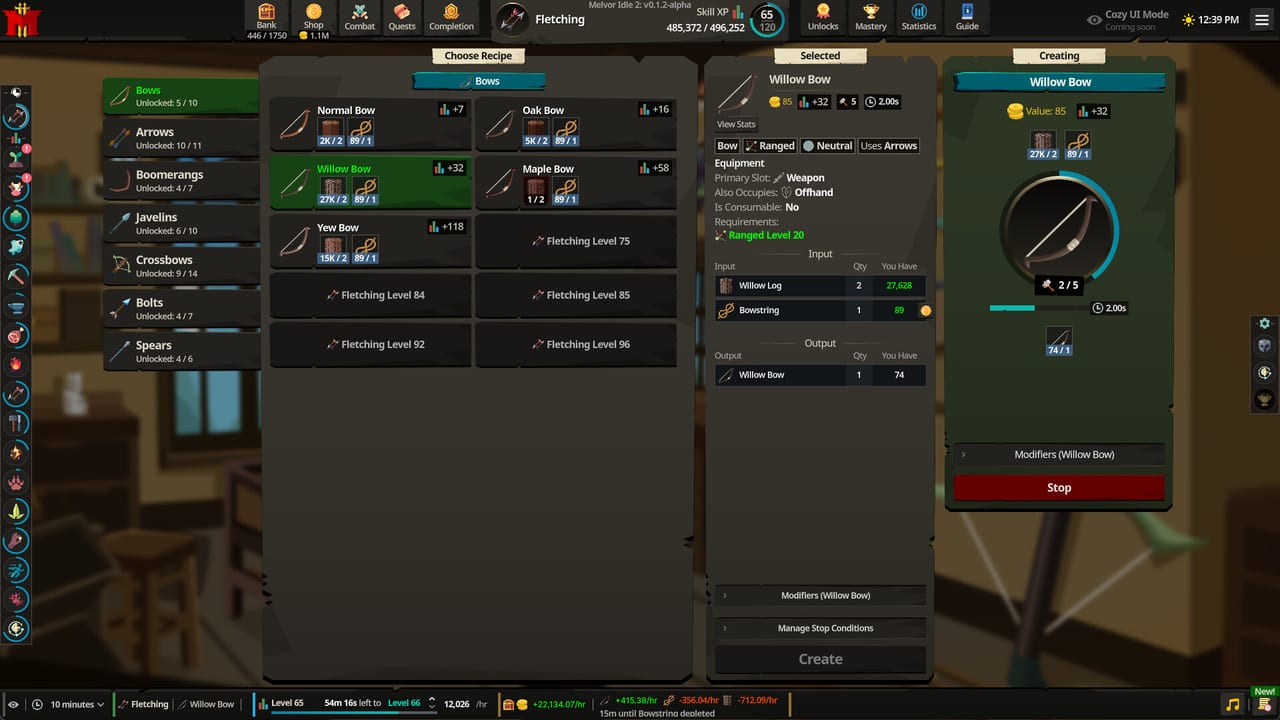
Offline runs at full speed
Official Melvor Idle 2 messaging states that offline progression continues at the same speed as active play. That is the feature that lets the game fit around work and sleep. It also means a bad overnight setup wastes real progress at full rate. Use this planner before you close the client.
Pair with Getting Started, Combat, and Progression.
Pre-flight checklist
1. Choose the goal
Pick one primary goal for the offline window:
- Finish a Mastery Guild task — Mastery Guilds
- Stock a bottleneck resource for a quest — Quests
- Raise a multiplier skill (Astrology/Herblore/Agility) — Skills
- Safe GP or gathering volume
- Combat XP only if logistics are perfect
2. Confirm inputs will last
Estimate actions in the offline window from Current Action rates. Ensure:
- Gathering actions have available targets/resources
- Artisan actions have enough ingredients
- Ranged has ammo stacks
- Magic has rune stacks for the selected spell
- Prayer has points if prayers stay enabled
3. Confirm survival for combat
If combat is involved:
- Auto Eat enabled with food count covering the full window plus buffer
- Triangle matchup acceptable
- Armour and hit chance not paper-thin
- No quest boss left running by accident
4. Align with Mastery and shop upgrades
Spend the cheap upgrade that improves the overnight action before you leave. Prefer actions that also tick a guild task. Selling the last ingredients needed for a task to “clean the bank” is a classic failure mode.
5. Save hygiene
- Melvor Cloud or Steam Cloud enabled
- Optional local save string copy before experimental settings
- Note what action you started so the morning Event Log makes sense
Offline templates
Workday (8–10 hours): gathering or artisan loop with surplus inputs; avoid tight combat.
Overnight (7–9 hours): Mastery-aligned gathering, Astrology/Herblore if supplies allow, or well-fed combat in a proven area.
Weekend away (24+ hours): pure gathering/artisan only unless you have enormous food and ammo buffers.
After you return
- Open the Event Log first.
- Restock food and runes immediately.
- Bank-sort junk that accumulated.
- Claim completed Mastery tasks.
- Adjust the next idle using tier list priorities.
Common offline failures
- Food ran out two hours in
- Runes emptied while the attack animation looked “busy”
- Wrong stance trained the skill you did not want
- Quest item sold during a pre-offline cleanup
- Patch changed an area; you left a now-deadly idle running — check Updates
Related tools and guides
- Tools Hub
- Combat guide
- Progression guide
- Links for official bug reports if offline calc looks wrong
Print or bookmark this checklist. The best Melvor Idle 2 players are not always the ones who click most — they are the ones whose offline hours never fail silently.
Estimating actions without a calculator
If Current Action shows 1,200 actions/hr and you will be gone 8 hours, plan for roughly 9,600 actions. Add a 10–20% buffer for interruptions and patch restarts. Buy or gather inputs above that buffer before you leave.
Potion and Astrology offline notes
If a potion buff is shorter than your offline window, decide whether the unbuffed remainder is still worth it. Astrology permanent bonuses continue; temporary auroras may not. Prefer permanent multipliers for long absences when temporary buffs would expire early.
Multi-device caution
Offline progress assumes a clean shutdown on one device. Avoid launching the same cloud save on two PCs at once. If you switch devices, confirm the cloud save timestamp before starting a new action.
Frequently Asked Questions
Quick answers to the most common questions.
Is Melvor Idle 2 offline progress reduced?
Official materials say offline progression runs at the same speed as active play.
Can I offline combat safely?
Yes if food, matchup, and ammo/runes cover the whole window. When unsure, idle gathering instead.
What should I check first when I return?
The Event Log, then food/rune restock, then Mastery task claims.
Do cloud saves matter for offline play?
Yes. Cloud backups protect you if a device changes. Still keep an occasional local save string.